
The big five
Five things Divi builders ask for, built in. Each one loads only when Divi is the active theme.
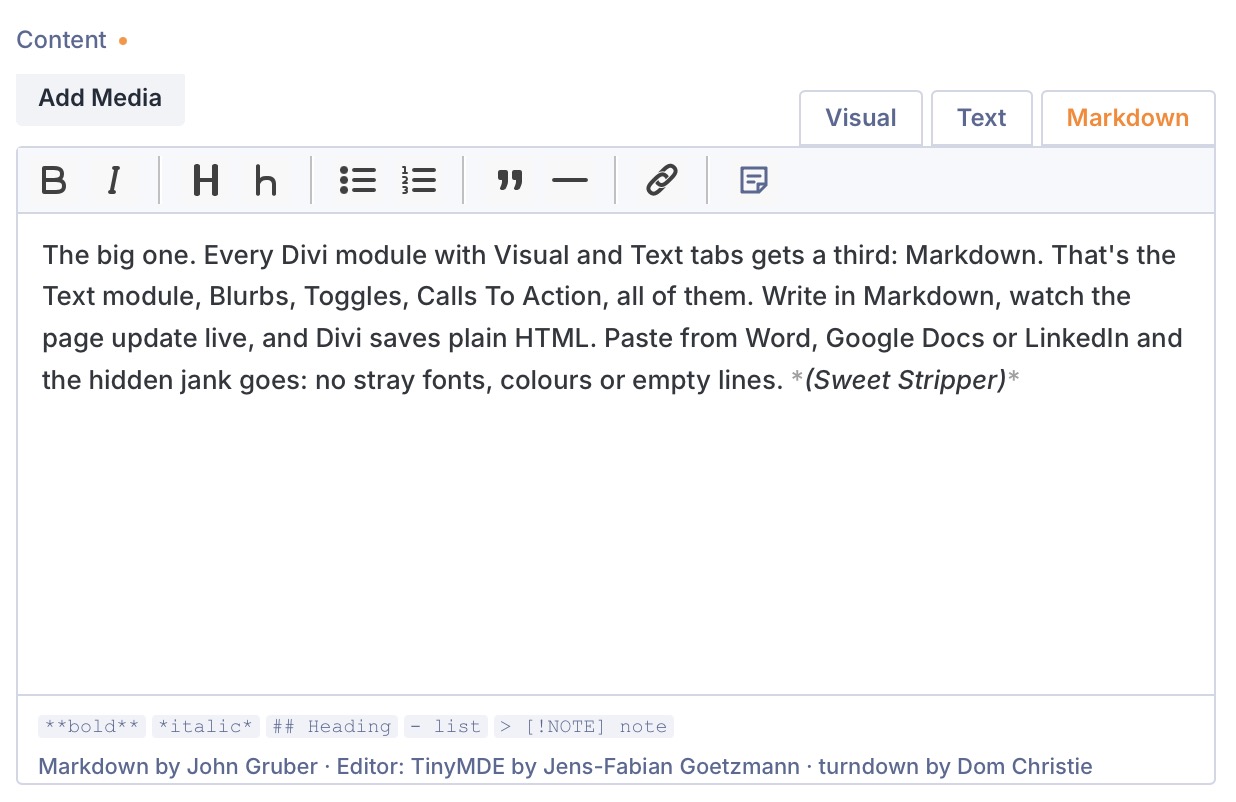
Visual | Text | Markdown
The big one. Every Divi module with Visual and Text tabs gets a third: Markdown. That's the Text module, Blurbs, Toggles, Calls To Action, all of them. Write in Markdown, watch the page update live, and Divi saves plain HTML. Paste from Word, Google Docs or LinkedIn and the hidden jank goes: no stray fonts, colours or empty lines. (Sweet Stripper)
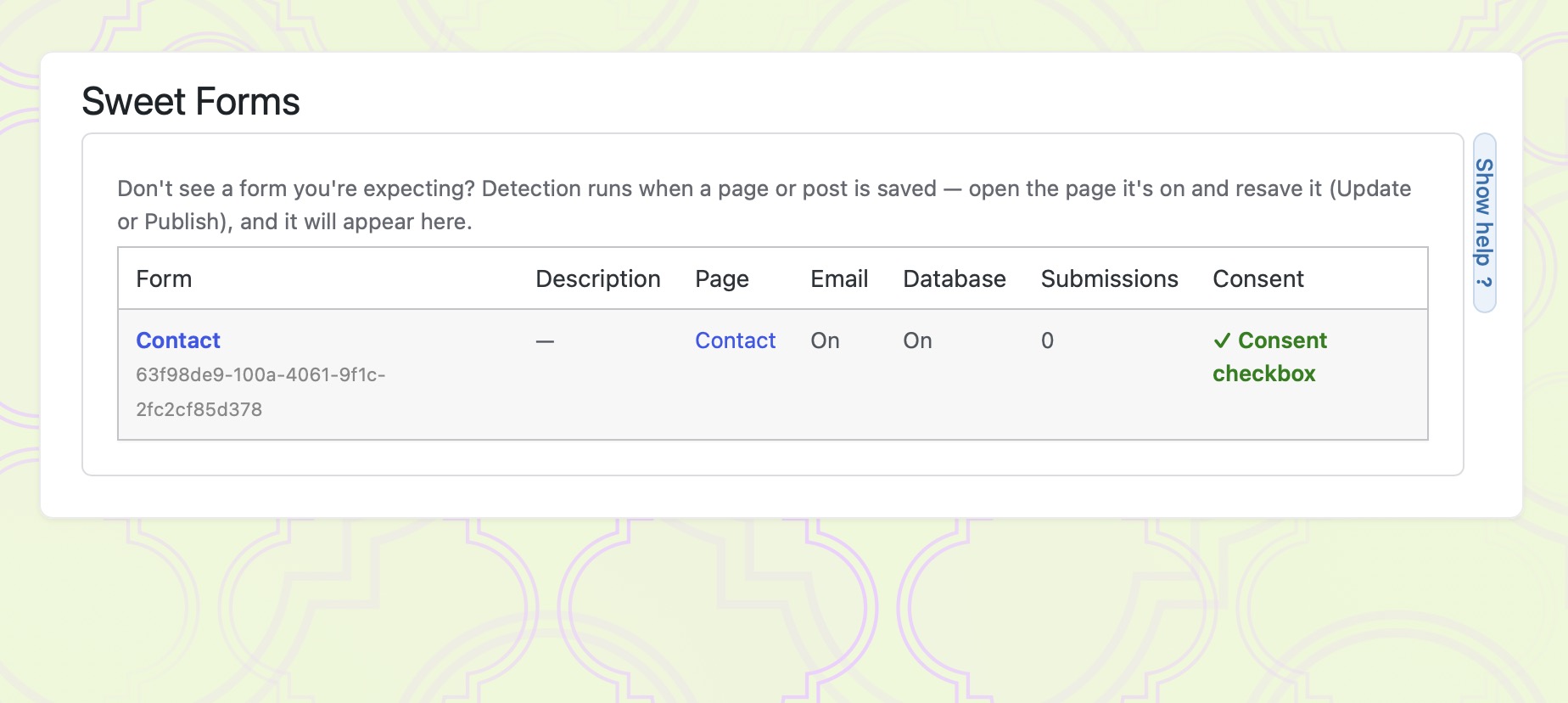
Contact Form entries, saved on the site
Did we mention this? Every Divi Contact Form's submissions are kept in WordPress, form by form, so nothing lives only in an inbox. Export them as CSV, choose how long to keep them, and switch each form's notification email on or off. A GDPR request is a couple of clicks with WordPress's own Export and Erase Personal Data tools. (Sweet Divi Forms)
Spam protection for Contact Forms, without Google
Divi's Contact Form offered Google reCAPTCHA or a sum. Now Cloudflare Turnstile sits right beside them in each form's Spam Protection settings. It uses the same keys as your login forms, and there's nothing to type into Divi. Most visitors never see a thing. (Sweet Divi Forms)
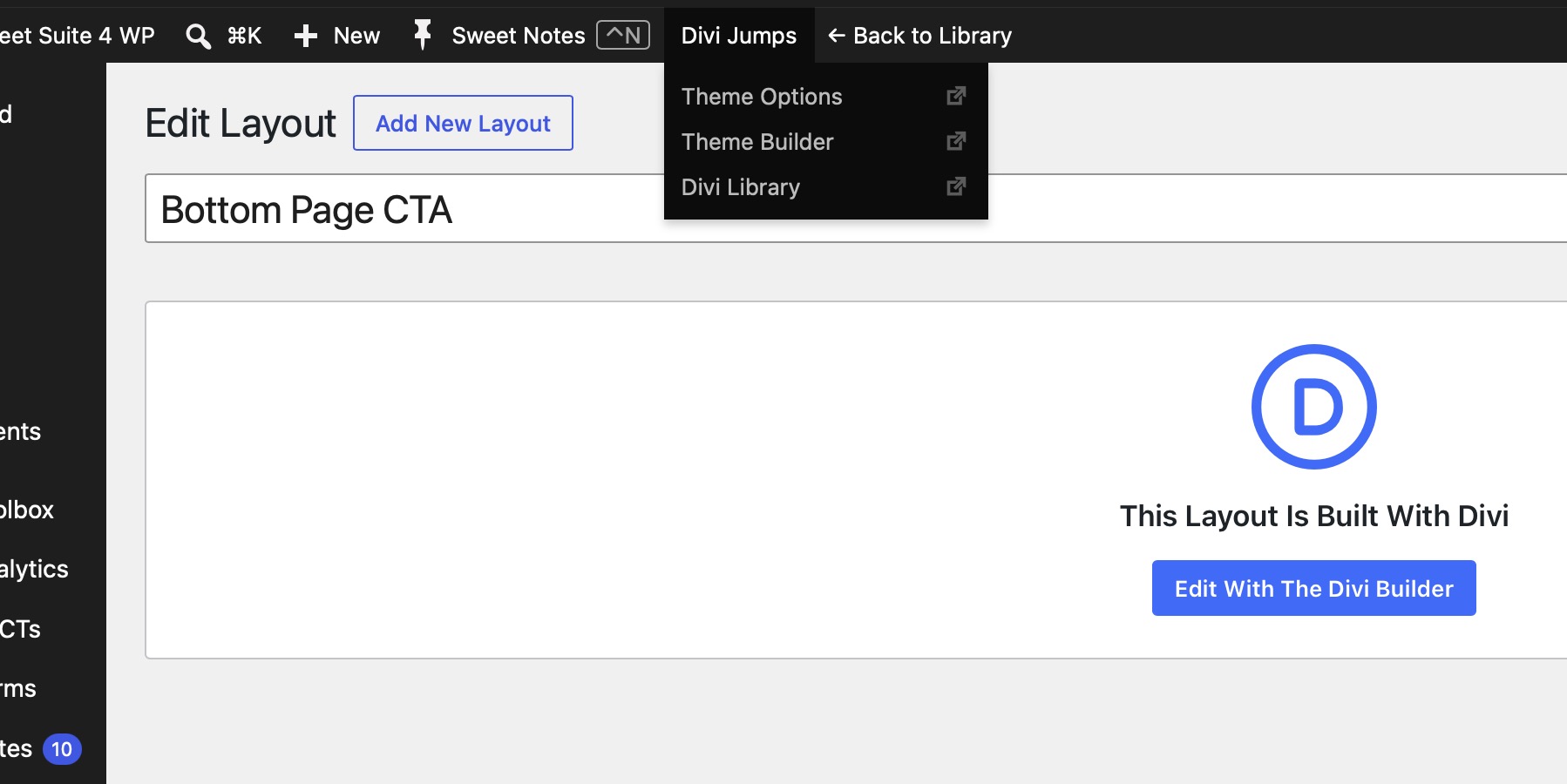
Faster ways around Divi
Edit with Divi on every Divi Library row takes you straight into the builder in one click. Divi Jumps in the top bar gets you to the Theme Builder's templates, Theme Options and the Divi Library from anywhere. (Sweet Divi)
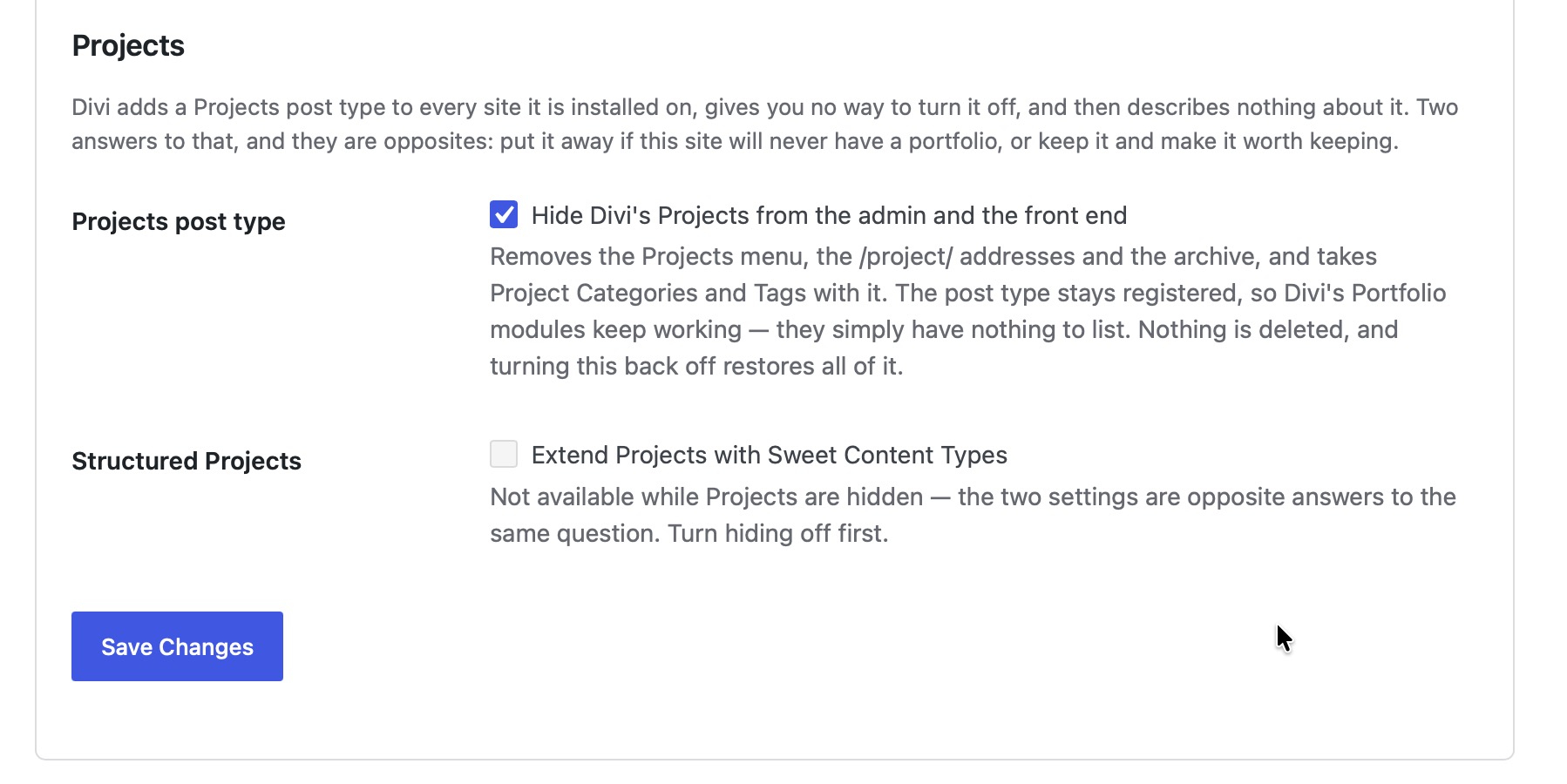
Projects: hide them, or make them yours
Not using Divi's Projects? Hide them in one click, and nothing is deleted. Using them? Extend them with your own fields through Sweet Content Types, and those fields show up in Divi's dynamic content picker and the Loop Builder. (Sweet Divi and Sweet Content Types)
Clients care about their site. That's a good thing.
We need our clients' input. They know their business, and a client who opens the Visual Builder is a client who cares.
But Divi styles in layers, and a change made on a single page beats everything above it. A few keen edits later, the design system is still there, but it's hidden under page-by-page overrides. The usual fixes are to restore last week's backup and lose a week of real work, or to go through it module by module by hand.
There's another way.
4 · Rollback page and post styles ... only!
What was changed on single pages: each module's Design settings and Custom CSS, inline styles in text, and the page's own CSS and colours. Reset this layer, and pages go back to what your design system says.
3 · Rollback Theme Builder and Library styles ... only
Module styles in your templates and Library items, which many pages share. This is the biggest reset, for starting the look again from scratch.
2 · Clear Divi presets ... only
Element and option group presets.
1 · Reset Divi variables ... only
Everything in the Variable Manager, and the global colours.
0 · Rollback WordPress styles ... only
The Customizer's fonts, sizes and colours, Global Styles and Additional CSS. Your Theme Options (API keys, SEO, integrations) stay put.
For Divi (in Sweet Cached) shows Divi 5's five layers, strongest on top, with how much is in each one. A change that "does nothing" can be traced straight to the layer beating it, and any layer can be put back on its own.
- Resetting a layer keeps the content. Text, images, links, columns, layout, animations, display conditions, visibility, and which presets each module uses all stay. Only the styling goes.
- Undo is always there, even after several resets in a row.
- A backup undoes everything. For Divi undoes only the layer that's wrong. Keep Sweet Migrations for moving and restoring whole sites, and keep the week of content that happened since.
- Or cherry pick the layers you want to roll back ... or all of them!
Then, ask for notes
Once the page is back on your design system, give your client a better way in.
With Sweet Notes, they click the thing they want changed and say what it should be. The note sticks to that exact spot and lands in your queue. When it's done, mark it fixed and they get an email to check it.
They get heard, and the design system stays yours.
Also sweet with Divi
- Any page, as slides. Sweet Reveal shows a Divi page as a Reveal.js deck, one slide per section, with the header and footer out of the way.
- A cache that knows Divi. Sweet Cached clears Divi's CSS files when it should, and saved pages clear themselves when content, menus or Divi layouts change. It doesn't minify, because Divi already does.
- Light by design. On a logged-out visit to our Divi test site, all the Sweet plugins together took about 12 ms of a roughly 520 ms page build. With the page cache on, none of them load.
Divi 4 or Divi 5?
The layer view and resets are for Divi 5. On Divi 4, pages are counted but never changed. Everything else on this page works on both.
No Divi on a site?
Then the Divi plugins stay quiet, and the suite never mentions Divi. The rest runs on any WordPress site.
Not a page builder. That's Divi's job.
The suite works around Divi, not against it. No Pro tier and no upsells.