
The setup tax
You know the routine. You've done it two hundred times.
- Pick the plugins, again, though you picked the same ones last time.
- Download the newest versions, log into four vendor accounts, find the license codes.
- Install, activate, paste the codes, then configure each one, in each one's own vocabulary.
- Check the mail actually sends. Check the captcha didn't lock you out. Check the cookie policy isn't the one from the last site.
None of it is the design work. All of it is required. And it's never the same screen twice.
Your snippets file is your setup
Every builder has one: a text file, a shell script, a note that's followed you from laptop to laptop, with the SMTP host, the analytics ID and the captcha keys.
The Sweet Suite reads its keys and credentials from wp-config.php as plain constants. Paste your block, save, and mail, analytics and spam protection are wired up. No settings screens to click through, nothing typed twice, and nothing sensitive in the database.
// My usual stack: paste and godefine( 'ZVKI_SMTP_PROVIDER', 'microsoft365' );
// ZVKI is the Sweet Suite's namespace
//
define( 'ZVKI_SMTP_FROM', 'hello@example.com' );
define( 'ZVKI_MATOMO_URL', 'https://stats.example.com' );
define( 'ZVKI_MATOMO_SITE_ID', '4' );
define( 'ZVKI_TURNSTILE_SITE_KEY', '…' );
define( 'ZVKI_TURNSTILE_SECRET_KEY', '…' );
The same paste is your handover. Keys in a file you control stay out of every database export, migration package and client backup. Rotate them or hand them over; that's your decision, not one the database already made.
The argument
It's the same checklist every time, and it's never the interesting part. Mail that sends. Captcha on login. Three legal pages. Structured data. Analytics wired up and proven. A page cache that doesn't break the layout. A way to move the thing to production. None of it is the design work, all of it is required, and you'll probably do it again on a future build.
Credentials in wp-config.php, not the database. This is the one that matters at handover. Every key the suite uses is read from the config file: nothing sensitive in a database export, nothing in a migration package, nothing in the client's backup sitting in someone's Dropbox. Hand over the site without handing over your accounts.
Small plugins beat one big one. Each does one job and loads only when it applies. Sweet Divi won't boot without Divi. Sweet AEO stands down entirely if Yoast or Rank Math is active. Install three, install all of them, deactivate one and nothing else notices.
No subscriptions, and nothing switches off. One key covers 30 sites for $300, with a year of updates and support. Renew for $130 when you want another year, or don’t: everything keeps working as it is. No Pro tab, no “upgrade to unlock” in a settings screen your client can see. The only thing that checks in is Sweet Updates asking the shop “anything new?”, and it says so beside the Licence field.
You can build a site with no Google in it. Matomo instead of GA4, Cloudflare Turnstile instead of reCAPTCHA. The Google options are both there, because clients ask for them by name — but nothing in the suite requires a Google account. You know why this is important, already.
It's opinionated so you make fewer decisions. WordPress and Divi first. Plesk-aware, down to naming the exact menu. Markdown everywhere. Non-Google by default. These are defaults, not restrictions — but if that's already your stack, most of the suite needs no configuration at all. We all have our preferred solutions. If you want to see something, send us a feature request through the Sweet Support tab!
The help is there when a vendor's labels stop making sense. Not a tutorial you have to sit through. The rail rewrites itself for the provider you picked, in that vendor's own words, and tells you which of Microsoft's four identically-named IDs is the one you actually want. Ignore it entirely and everything still works. TBH, in the past I remember being so happy when I found a solution I needed on Stack Overflow - only to discover that I posted it 18 months before ... SMH. So, I took the time to make sure that help really helps.
What it replaces, and what it doesn't
This is just a comparison - on VERY large sites you might need to step up and move to a more robust solution. I also use ACF, Fluent Forms, and Easy SMTP on client sites - but I made this because for many smaller sites, those robust solutions were really overkill ~ JZ
| Instead of | You get | Note |
|---|---|---|
| WP Mail SMTP and similar | Sweet SMTP | M365, Gmail, Proton or any SMTP. Credentials in wp-config, not the options table. |
| A cookie-consent subscription | Sweet Privacy | For small sites. It tells you when you've outgrown it — see below. |
| Yoast / Rank Math | Sweet AEO | And stands down if you'd rather keep them. |
| GA4 and its plugin | Sweet Analytics | Matomo, with a UX dashboard GA4 has never offered. |
| WP Rocket / W3 Total Cache | Sweet Cached | Page cache only. No minifying — Divi already does that. |
| Duplicator / UpdraftPlus for moves | Sweet Migrations | WP-CLI, signed site-key, or a package file. No account. |
| ACF + CPT UI + glue | Sweet Content Types | Fields that Divi's dynamic content can actually see. |
| A separate PM tool, per seat | Sweet PM | Lives on the site it's building. Goto "4 Accidental PMs" |
Not replaced, on purpose: your page builder, your host's backups, a real consent platform once a site needs one, an invoicing tool, or an object cache — a plugin cannot install Redis, whatever the marketing says.
What it isn't
- Not a consent platform. Sweet Privacy says so itself. Accounts, a shop, advertising or cookie-based analytics for EU visitors need scripts blocked before consent and records kept. It names that line and tells you when you've crossed it, instead of pretending otherwise.
- Not an SEO product. You aren't reaching page one without paying Google for the space. Sweet AEO does the groundwork properly and skips the traffic-light score.
- Not multisite. Sweet Migrations refuses to run on a network rather than half-working.
- Not neutral. Divi, Plesk, non-Google, Markdown. On the label, not in the small print.
- Not a page builder, and not trying to become one.
Because you have probably already gone through a migration
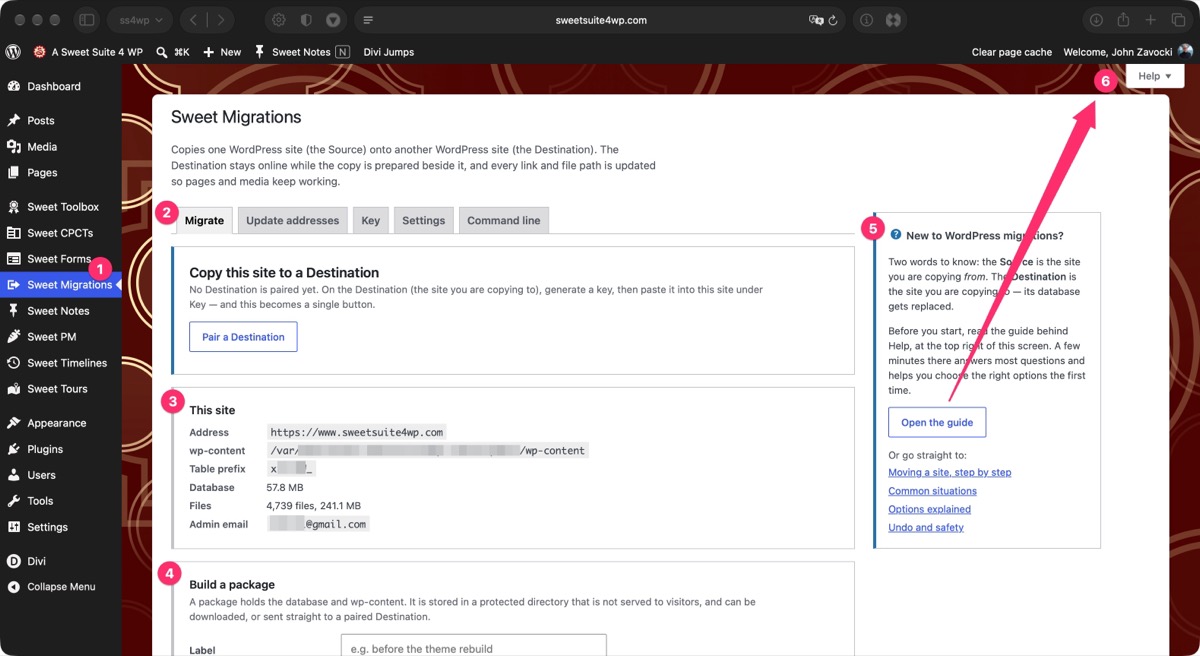
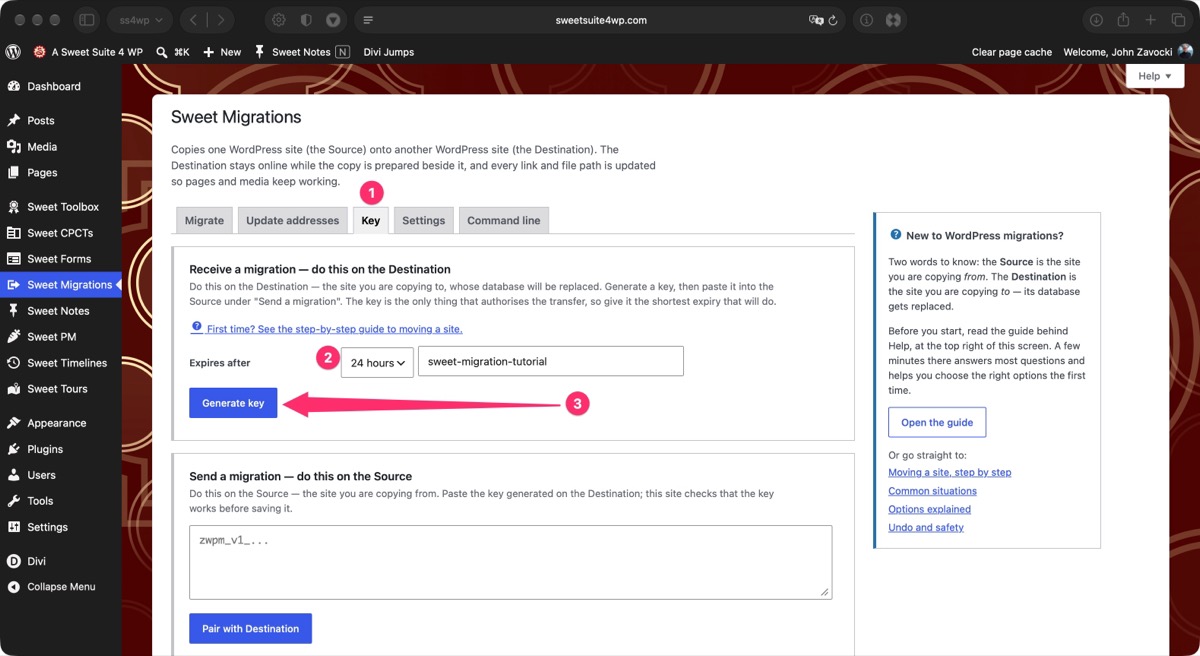
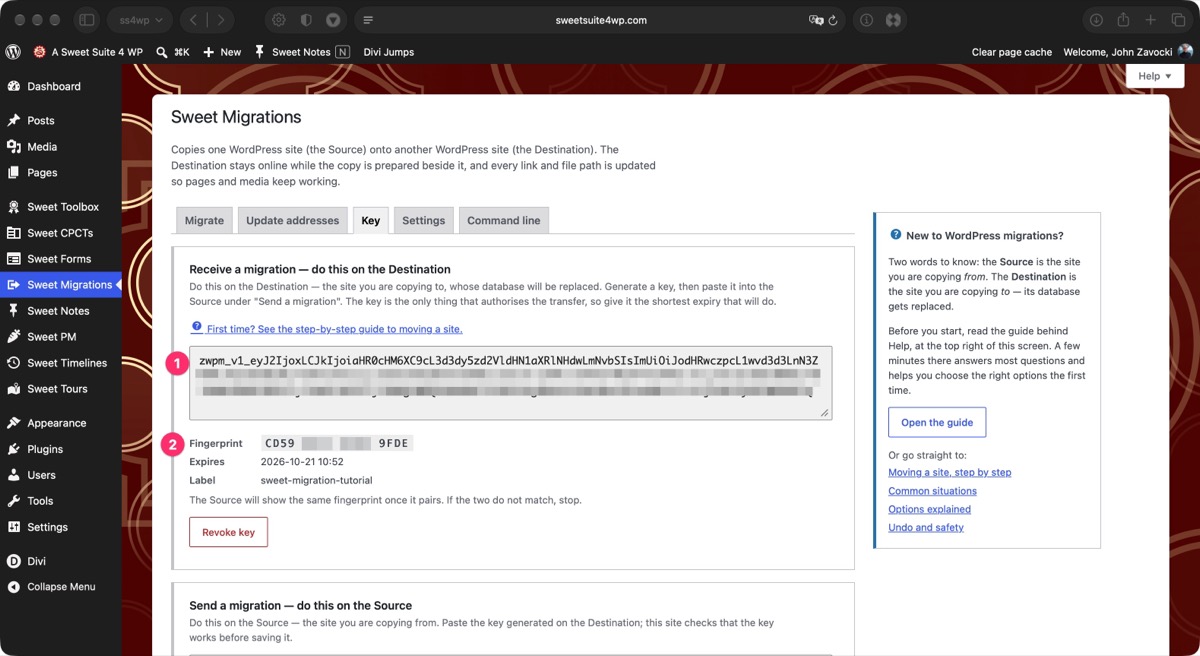
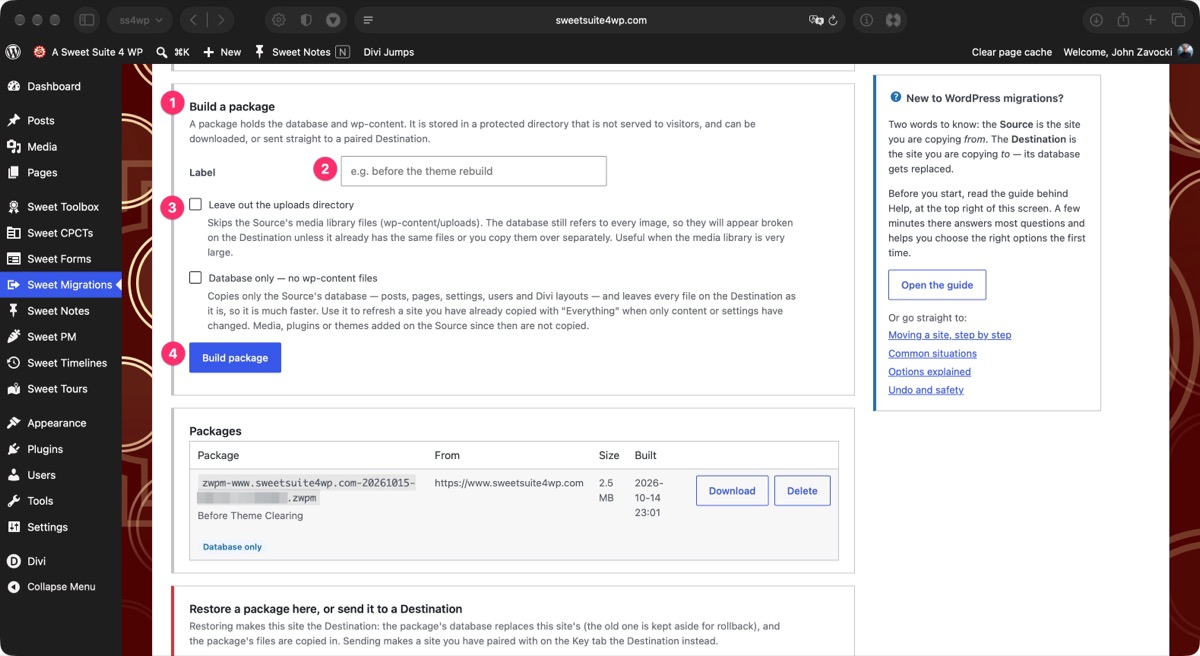
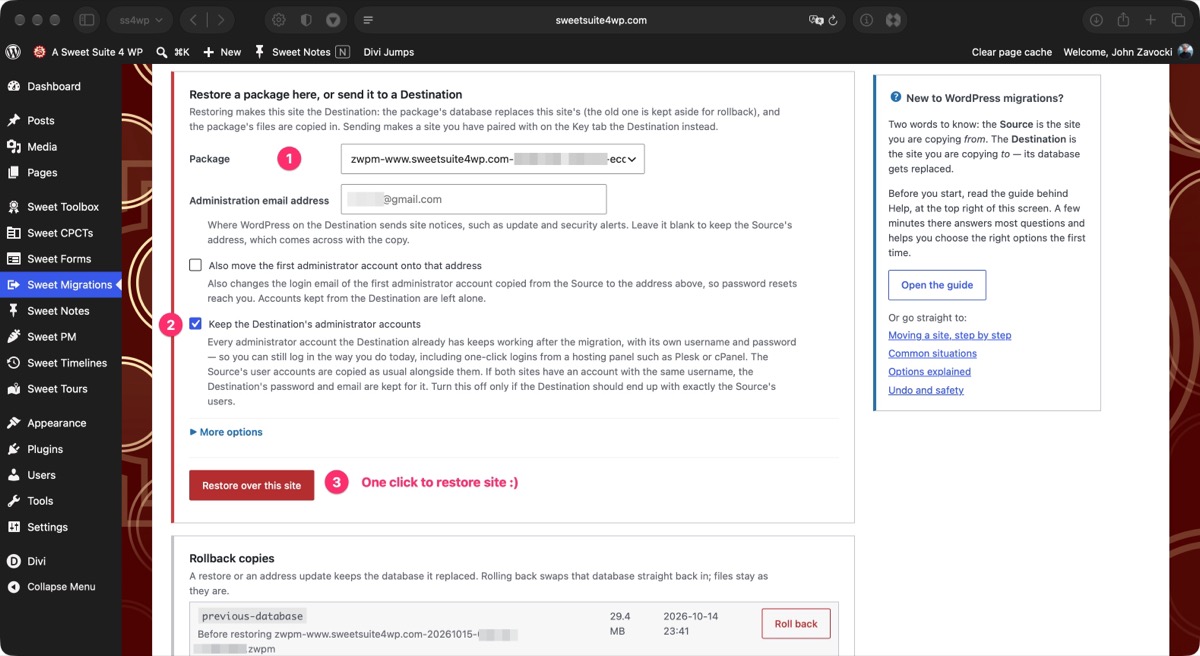
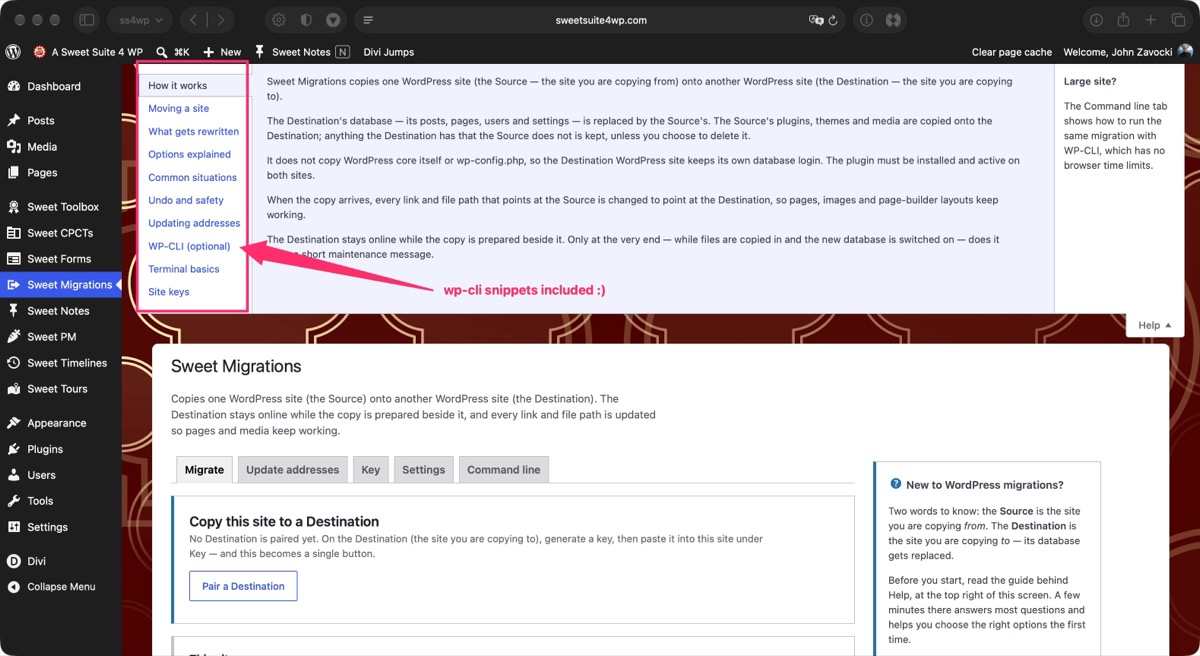
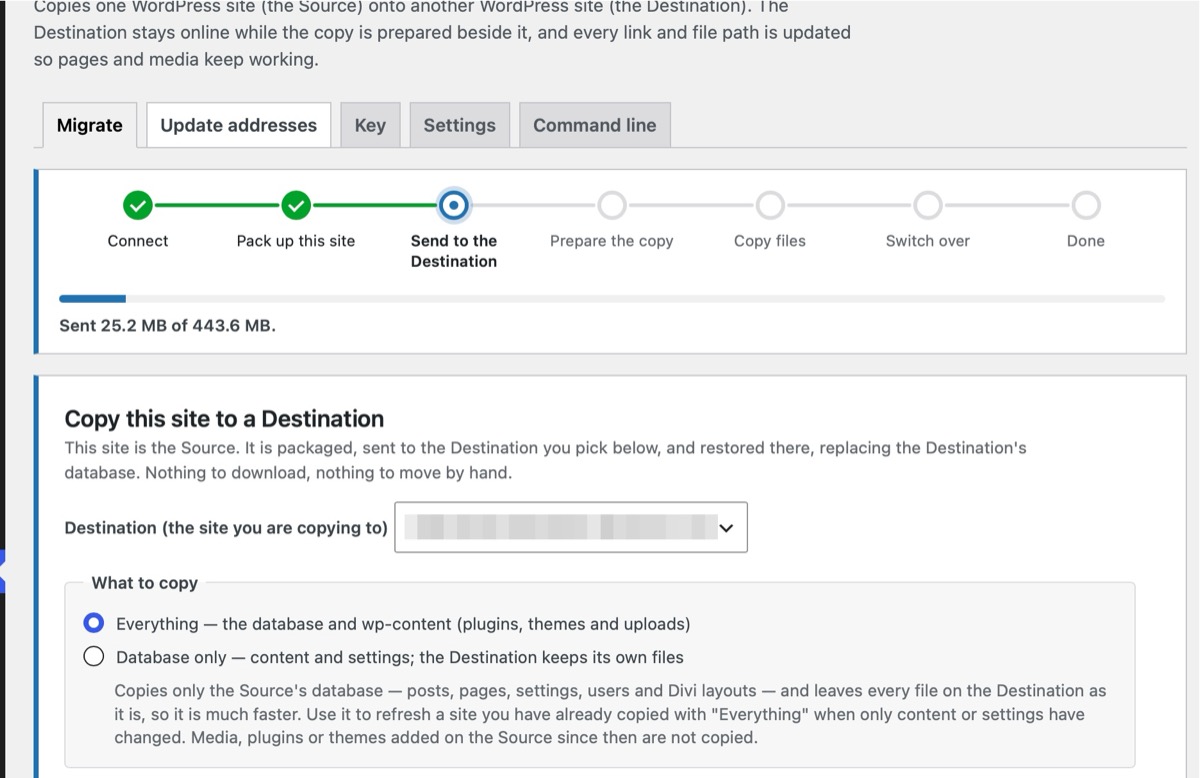
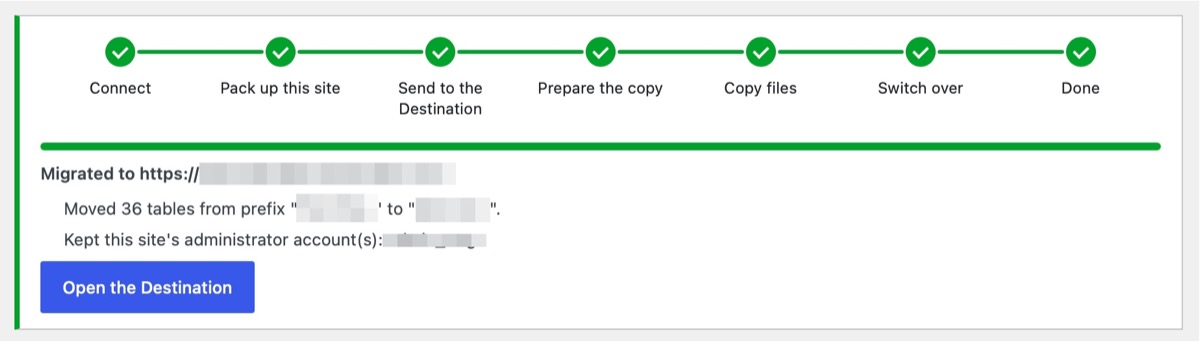
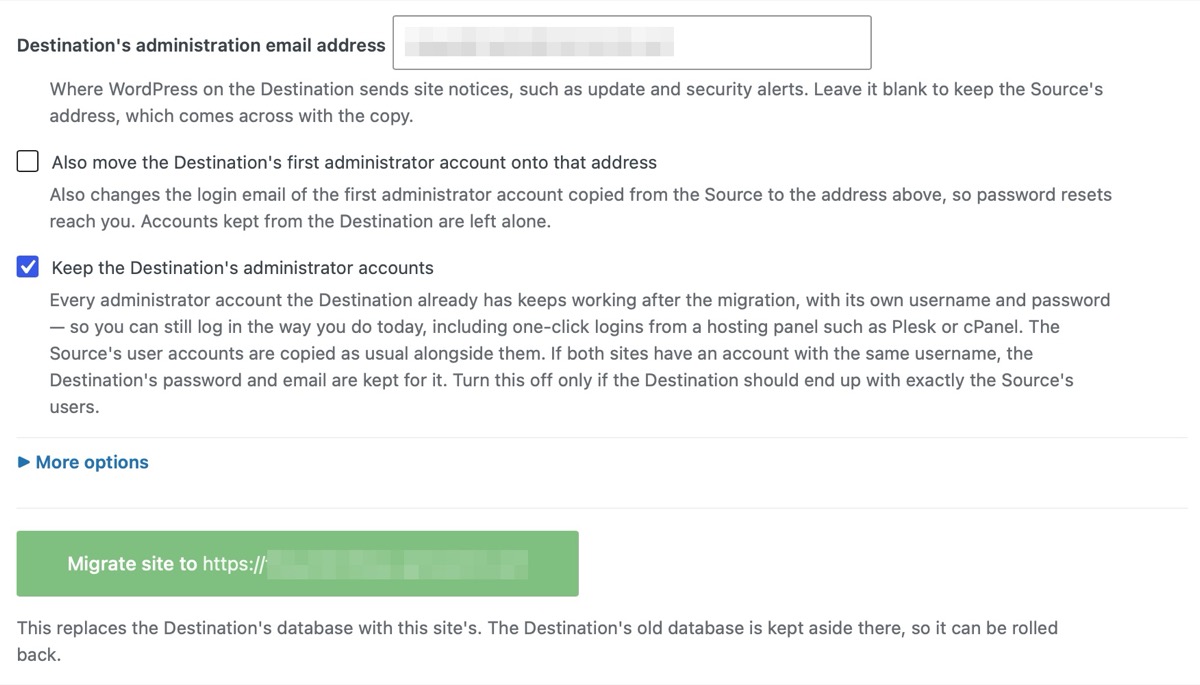
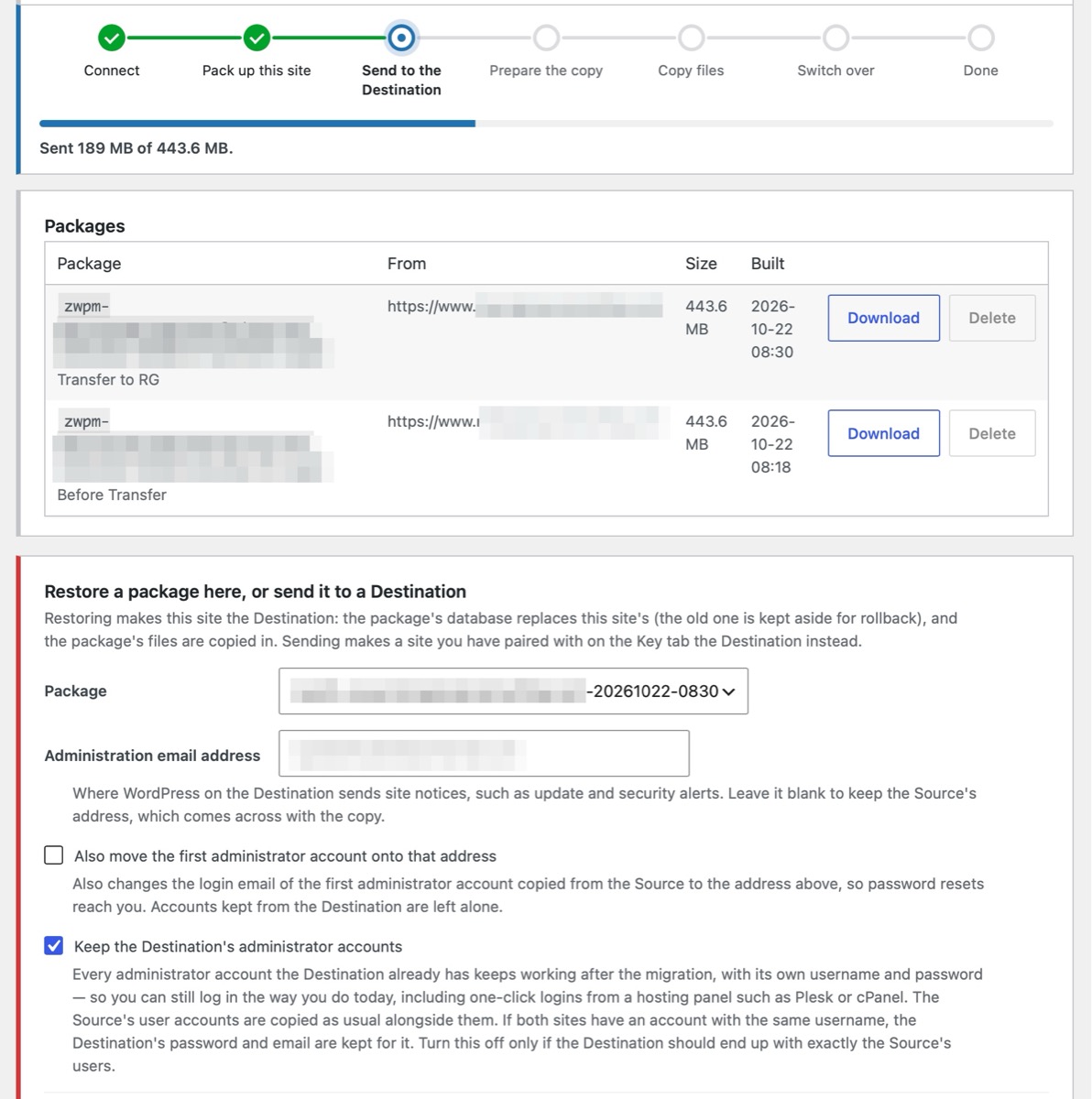
Sweet Migrations doesn't have any dependencies: if wp-cli is there, awesome; if not, whatever. It doesn't need the sweet Toolbox. just upload it here ... and there ... and be on your way.

FAQ
What's the actual footprint? Each plugin loads only when it applies, and there's a speed check in the box that reports what's slowing the site — including the server settings a plugin can't change, with the exact Plesk or host menu to change them in.
Will it fight my existing stack? Sweet AEO detects Yoast, Rank Math, SEOPress and AIOSEO and prints nothing while they're active. Sweet Cached tells you to turn off a competing page cache rather than racing it, and names the host-level ones too.
Can I remove it cleanly? Yes. Keys are in a file you control; settings are ordinary options. Deactivating Sweet Toolbox makes every satellite stand down with a notice explaining why, rather than white-screening the admin. I made this to be helpful - not a trauma drama.
Does it need Divi? Three plugins are Divi-specific by design — Divi, Divi Forms, Reveal — and say so when Divi isn't active. The rest don't care.
Do I need the Toolbox? For most of them, yes — it's the shared admin, help system and config reader. It's free and it isn't a paywall. Sweet Timeline and Sweet Migrations don't need it at all.
What happens on a client handover? The settings stay with the site; the credentials stay in wp-config.php. Rotate the keys or hand them over — that's a decision you get to make, rather than one the database already made for you.
Is there a license server? Only for updates. Sweet Updates asks the shop whether there’s a new version for your key; if your key lapses, nothing stops working. API calls to services you choose (mail, analytics) happen as you’d expect.
The End is Just the Beginning!
Thanks for scrolling down to the bottom of a web page —
if you found something that you liked, please ...